Back to Blog
Unity 12 min read

Unity 3D: Building Your First Mobile Game

A beginner-friendly Unity mobile game roadmap covering project setup, controls, physics, UI, testing, and Android export.

March 28, 2026 · Vexil Logic Team
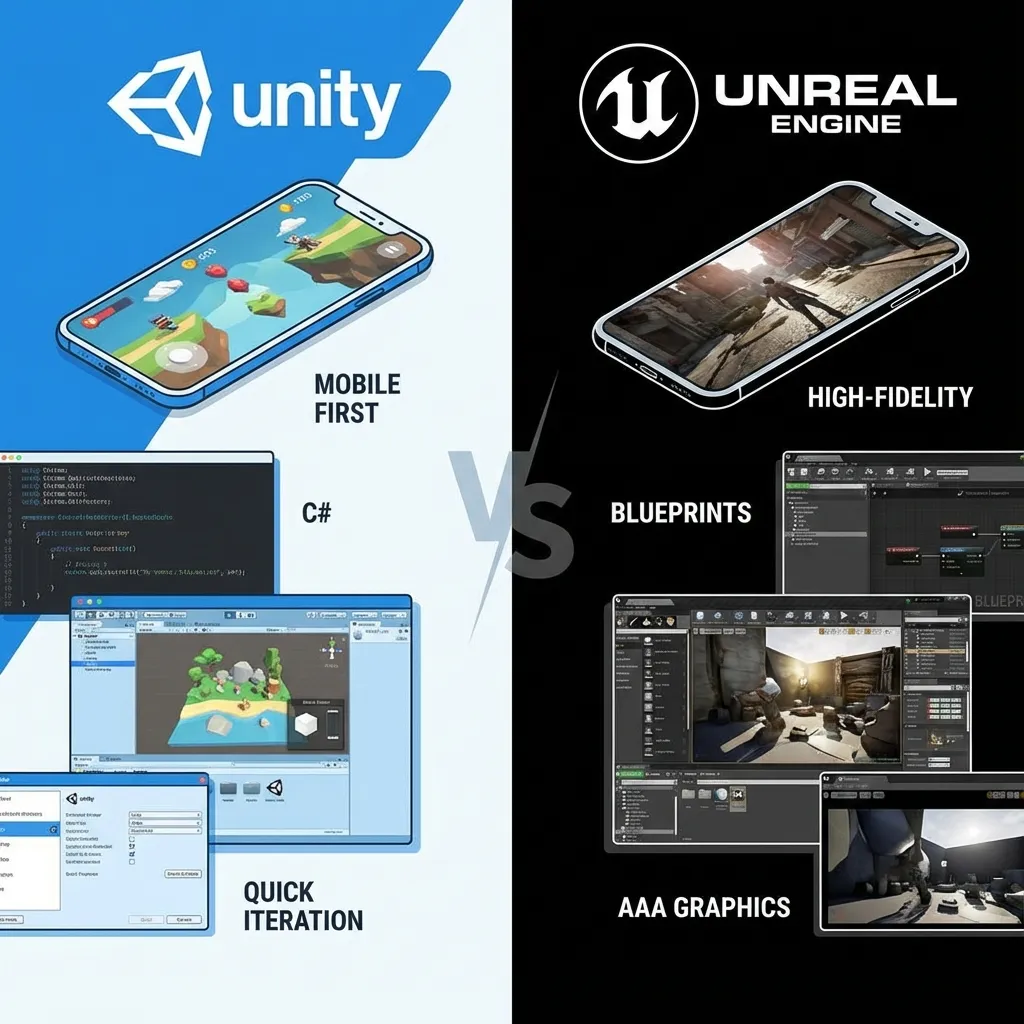
Unity 3D: Building Your First Mobile Game

Unity remains one of the most practical engines for mobile game development because it gives small teams strong tooling, cross-platform export, and a large plugin ecosystem.

Project Setup Create a clean mobile project, set the target orientation, configure quality levels, and test on a real Android device early. Editor-only testing misses performance, input, and memory issues.

Build the Core Loop First Do not start with menus or a large map. Build one playable scene with input, movement, fail state, win state, scoring, and restart. This proves the game before production expands.

Mobile Controls Touch controls must be forgiving. Use larger hit areas, short input paths, and clear feedback. For driving or simulation games, offer steering wheel, button, and tilt options when possible.

Optimization Keep texture sizes controlled, batch static objects, reduce overdraw, profile on low-end devices, and avoid heavy scripts in Update loops. Smooth performance is a conversion feature.

Export Checklist Before uploading to Google Play, confirm package name, signing keys, privacy policy, content rating, screenshots, app icon, crash reporting, analytics, and app-ads.txt.